



Generic
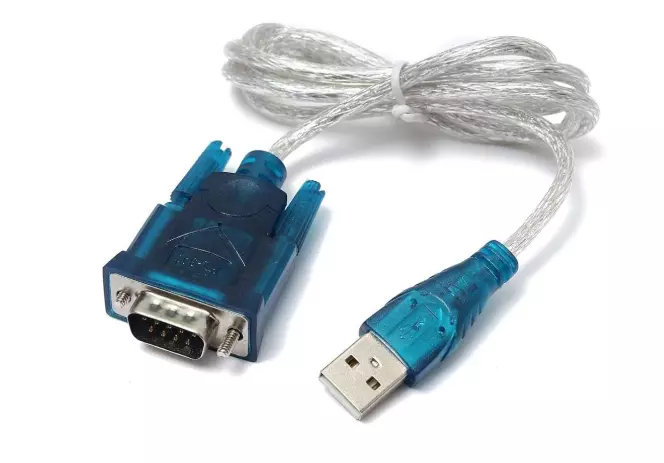
USB TO SERIAL RS232 Pro Converter DB-9 Adapter Cable
- Function: Converts digital USB signals from a computer into analog RS-232 serial signals for older devices, and vice-versa.
- Connectors:
- USB Type-A Male: Plugs into the computer.
- DB-9 (D-Sub 9-pin) Male: Connects to the RS-232 serial device
- Power Source: USB-powered; no external power adapter required.
- Plug-and-Play (with Driver).
SKU - PBETC135
₹219.30
₹566.00
- Buy from 1 to 4 products @ ₹219.30 per item
- Buy from 5 to 9 products @ ₹191.40 per item
- Buy from 10 to 24 products @ ₹182.75 per item
- Buy above 25 @ ₹173.63 per item
Customize
In stock:
2
Product Details
USB to Serial RS232 Pro Converter DB-9 Adapter Cable is designed to connect modern laptops or PCs with USB ports to legacy serial RS232 devices. It provides stable and reliable data transmission, making it ideal for printers, barcode scanners, modems, POS machines, industrial equipment, and networking devices. Built with a durable DB-9 connector and high-quality chipset, it ensures smooth communication, wide OS compatibility, and easy plug-and-play installation. Perfect for professional, office, and technical use where serial connectivity is required.